

Walk through any lighting showroom or scroll through renovation photos, and you’ll notice a clear shift away from bulky fixtures. People want light that disappears into the ceiling, not something that hangs down or collects dust. That’s where low-profile surface-mounted lighting units come in. They sit tight against the ceiling, offer directed or diffused illumination, and work in spaces where clearance is tight. As an electrician who’s installed hundreds of these, I’ve seen the good, the bad, and the downright dangerous. Let me walk you through what flush mount led pods actually are, how to install them safely, and what to watch out for.
Key Takeaways
- Flush-mount LED pods sit directly against the ceiling, making them ideal for low-clearance areas like basements, hallways, and closets.
- Wiring mistakes are the most common issue — always verify the junction box is rated for the fixture weight and that connections are properly grounded.
- Heat management matters: even though LEDs run cooler than incandescents, trapped heat in a shallow ceiling cavity can shorten the driver’s lifespan.
- Installation requires basic electrical skills and a voltage tester; if you’re unsure, hire a licensed electrician.
What Exactly Are Flush Mount LED Pods and How Do They Work?
The Design and Purpose
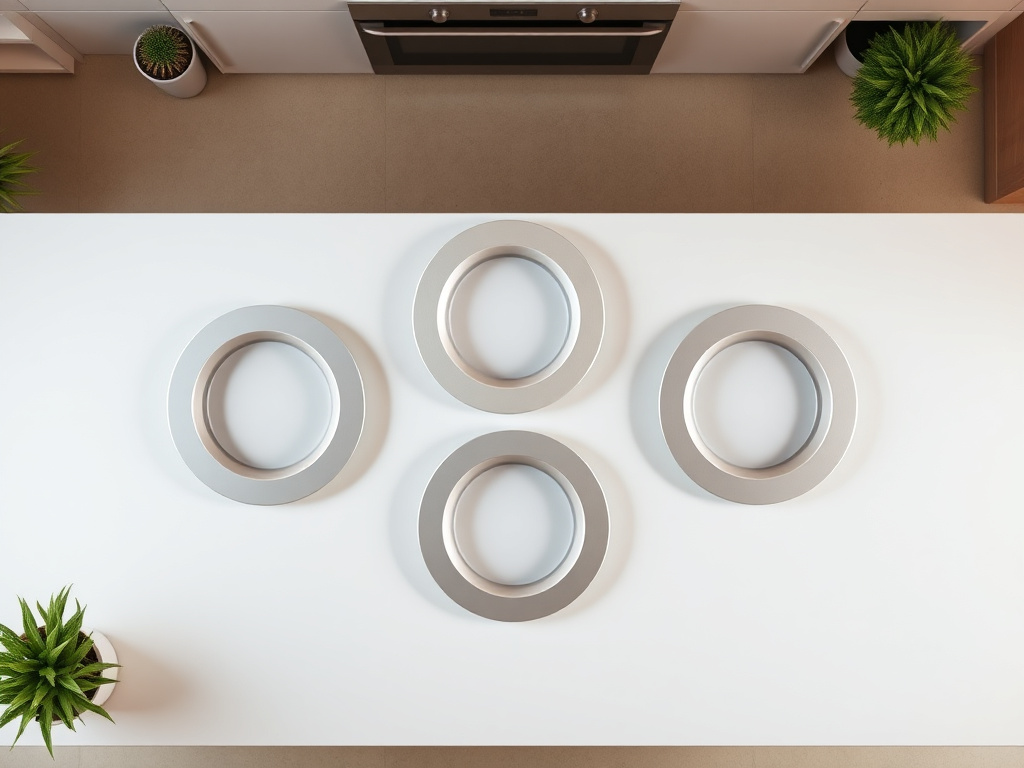
A flush mount LED pod is a self-contained lighting unit that mounts directly onto a ceiling junction box. Unlike pendant lights or chandeliers, there’s no chain or stem — the housing sits flat against the ceiling surface. The ‘pod’ refers to the compact, often round or square enclosure that contains the LED chips, driver (the power supply that converts AC to DC), and sometimes a diffuser lens.
These fixtures are designed for spaces where headroom is limited, or where a sleek, unobtrusive look is desired. You’ll see them in hallways, bathrooms, closets, laundry rooms, and finished basements. Some models are rated for damp locations, meaning they can handle humidity in a bathroom or covered porch.
How the Light Is Produced and Controlled
Inside each pod, multiple LED chips are mounted on a circuit board. The driver converts the 120V-277V household alternating current to low-voltage direct current — typically 12V or 24V. A constant-current driver ensures the LEDs receive stable power, which prevents flickering and extends the fixture’s life. Most quality flush mount led pods include a frosted or prismatic diffuser to spread the light evenly and reduce glare.
Some models offer color temperature selection via a small switch on the driver housing — common options are 2700K (warm white), 3000K (soft white), 4000K (cool white), and 5000K (daylight). Others are dimmable, requiring a compatible LED dimmer switch. Always check the spec sheet: not all dimmers work with every driver.
Installation Step-by-Step: What I Check Before Mounting
Step 1: Turn Off Power and Verify
This isn’t a suggestion — it’s the law of electrical safety. Go to your breaker panel and switch off the circuit that feeds the existing light. Then, use a non-contact voltage tester to confirm the wires in the ceiling box are dead. I’ve seen too many cases where someone flipped the wall switch but the junction box was still live because the switch only breaks the hot wire on one leg.
Test every wire: the black (hot), white (neutral), and bare copper (ground). If the tester beeps or lights up, stop and double-check the breaker.
Step 2: Inspect the Junction Box
The junction box must be securely fastened to a ceiling joist or blocking. If it’s a plastic old-work box that wobbles, replace it with a metal box rated for the weight of the fixture. Most flush mount led pods weigh between 1 and 3 pounds, but the box still needs to be anchored properly. A loose box can cause the fixture to sag or pull away from the ceiling over time.
Check that the box has a grounding screw or a green grounding pigtail. If you’re installing in a metal box, the ground wire must bond to the box itself.
Step 3: Prepare the Wires
Strip about 1/2 inch of insulation from the ends of the supply wires (black, white, and ground) using wire strippers. Most LED pods come with pre-stripped leads, but sometimes you’ll need to trim them. Twist the fixture’s black wire to the ceiling’s black wire using wire nuts — the same for white to white. For the ground, connect the bare copper or green wire from the fixture to the ground wire in the box.
Common Mistake: People sometimes reverse the polarity (connecting black to white). This won’t damage the LED driver on most modern units because they have bridge rectifiers, but it can cause the fixture to flicker or fail prematurely. Always double-check your connections.
Step 4: Mount the Fixture
Tuck the wires neatly into the junction box — don’t force them in; you don’t want to pinch or crimp the insulation. Most flush mount led pods use a mounting bracket that screws into the box. Align the bracket, then attach the fixture body to the bracket using the provided screws. Hand-tighten only — overtightening can crack the plastic housing or strip the threads.
If the fixture includes a diffuser or lens, snap or screw it into place according to the instructions. Turn the power back on and test the light. If it doesn’t work, turn the power off again and recheck your connections.
Electrical Safety and Code Compliance
Understanding the National Electrical Code (NEC) Requirements
The NEC has specific rules for lighting fixtures. For flush mount lights, the key sections are Article 410 (Luminaires) and Article 314 (Outlet Boxes). The box must be accessible — you can’t cover it with drywall or insulation. The fixture must be listed for its intended location (dry, damp, or wet). A damp-rated fixture is fine for a covered porch; a wet-rated one is needed for an open patio.
If you’re installing in a closet, the NEC also specifies clearance distances between the fixture and the storage area. For surface-mounted incandescent fixtures, the clearance is 12 inches from the storage area; for LED fixtures, it’s typically 6 inches, but always check the manufacturer’s instructions.
When to Call a Professional
If you open the ceiling box and see aluminum wiring (common in homes built between 1965 and 1973), stop. Aluminum expands and contracts differently than copper, and requires special connectors (CO/ALR rated) and anti-oxidant paste. This isn’t a DIY job for most people. Similarly, if the wiring in your house uses knob-and-tube or cloth insulation, an electrician should assess the system before adding any new fixture.
Also, if you’re replacing a fixture that was installed before 2000, the junction box might be undersized. Modern LED drivers take up more space than old incandescent sockets. A box that’s too full can cause wires to overheat. A licensed electrician can swap out the box for a deeper one.
Maintenance and Troubleshooting
Cleaning Your Flush Mount LED Pods
LEDs don’t attract dust any more than other surfaces, but the diffuser can collect grime, especially in kitchens or bathrooms. Turn off the power, let the fixture cool for a few minutes, then wipe the diffuser with a dry microfiber cloth. For stubborn spots, slightly dampen the cloth with water — never use cleaning sprays directly on the fixture, as they can seep into the electronics.
If the fixture is in a damp location, check the gasket around the base every six months. A deteriorated gasket lets moisture in, which can corrode the driver or cause the LEDs to short out.
Flickering, Buzzing, or Dead Fixtures
Flickering usually means a loose wire connection or an incompatible dimmer. Start by tightening the wire nuts. If the flickering persists, the dimmer switch might be an older leading-edge type that doesn’t play well with LED drivers. Swap it for a trailing-edge LED dimmer. Buzzing often comes from the driver vibrating against the metal housing — a small foam pad between the driver and the housing can dampen the noise.
If the pod is completely dead, the driver has likely failed. Most LED fixtures have a rated lifespan of 25,000 to 50,000 hours, but poor heat dissipation can kill the driver much sooner. If the pod is under warranty, contact the manufacturer. If not, replacement is usually simpler and cheaper than trying to source a compatible driver.
Frequently Asked Questions
Can flush mount LED pods be installed in a shower or steam room?
Yes, but only if the fixture is specifically rated for wet locations and has a sealed gasket. Look for an IP65 or IP66 rating on the spec sheet. The junction box must also be covered by the fixture so that no moisture can enter the ceiling cavity. I recommend installing a GFCI breaker on the circuit as an extra safety measure. Even with a wet-rated fixture, avoid directing a shower head directly at the light.
Do flush mount LED pods need a special junction box?
No special junction box is required, but the box must be securely fastened and sized to accommodate the wiring and driver. A standard 4-inch round or octagonal box works for most pods. If the driver is large (some are the size of a deck of cards), you might need a 4-inch deep box instead of a shallow one. Check the fixture’s installation instructions — they often specify the minimum box depth.
What’s the difference between a flush mount pod and a wafer light?
A wafer light (also called a slim LED pancake light) is a specific type of flush mount fixture that’s extremely thin — usually less than 1/2 inch. It uses a remote driver that’s housed inside the junction box. A traditional flush mount pod has the driver integrated into the housing, making it slightly thicker (1 to 2 inches). Wafer lights are easier to install in tight spaces and often come with a spring-loaded clip system, while pods typically use a screw-on bracket. Both provide similar light output, but pods often offer more robust heat sinking.
